Find aircraft background, systems descriptions and manuals for the aircraft you are researching. Each note keeps its source and version context close by.
Simulator manuals describe the developer’s implementation. Aircraft background is research-based; pilot accounts describe an individual’s experience. Coverage here is limited to the selected notes and linked resources, not the full contents of every manual.
Lionheart Bucker Bu 131 Jungmann · Lionheart Creations · MSFS 2020
Trim and simulator assistance
The manual identifies the elevator-trim lever and a fictional autopilot with ALT and HDG functions. These convenience modes belong to Lionheart's rendition. The guide also notes that an airborne start can leave the assistant switched on.
Original PDF pages 25,29,49-50
Bücker Bü 131 Jungmann
The Bü 131 Jungmann is represented by Lionheart as a fixed-tailwheel biplane without wing flaps. Its cockpit includes an elevator-trim lever. The liveries share the package's documented control configuration.
Lionheart also adds an explicitly fictional altitude/heading autopilot as a simulator convenience. The manual notes that starting a flight airborne can enable that assistant.
Bücker Bü 131 Jungmann
Camair 480 Twin Navion
The Camair 480 Twin Navion in Hangar Studios 713's manual uses two 240 hp Continental O-470B engines and constant-speed propellers. Its landing gear retracts, and pitch and rudder controls are grouped on the pedestal.
The simulator includes a KAP140 autopilot and optional navigators. Later trim-indicator additions change the available cockpit information; the product is documented as an MSFS 2020 aircraft with MSFS 2024 backwards compatibility.
Camair 480 Twin Navion
Cessna 172 SP · Laminar Research · X-Plane 12
The bundled X-Plane Skyhawk has its own cockpit reference
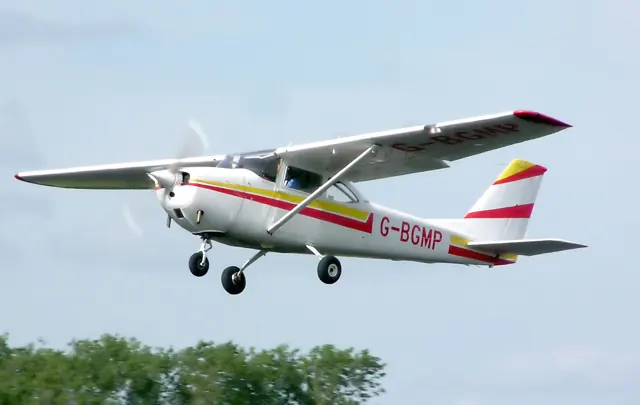
Laminar's manual documents the C172's primary controls, trim console, instruments and autopilot. Its illustrated cockpit guide and configuration checks describe the bundled aircraft. Independent C172 developers document their own maintenance systems and avionics.
Archived simulator manual; installed package revision not observed · PDF pp.7-8,45; center console and preflight
Cessna 172 SP · Laminar Research · X-Plane 11
The bundled X-Plane Skyhawk has its own cockpit reference
Laminar's manual documents the C172's primary controls, trim console, instruments and autopilot. Its illustrated cockpit guide and configuration checks describe the bundled aircraft. Independent C172 developers document their own maintenance systems and avionics.
Archived simulator manual; installed package revision not observed · PDF pp.7-8,45; center console and preflight
Cessna Caravan family · Black Square · Black Square · MSFS 2020 · MSFS 2024
Avionics choices persist between flights
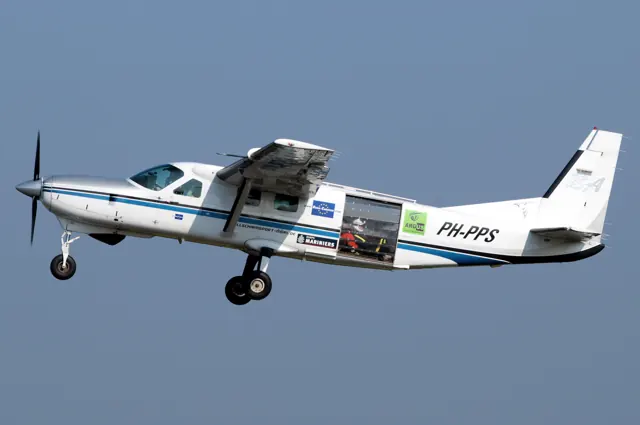
The tablet saves avionics selections and allows several radio/GPS arrangements. The manual explains which selected GPS can drive the HSI and autopilot, including a limitation when the Working Title GNS 530 occupies NAV2. Confirming a changed arrangement reconfigures the avionics and disengages the autopilot.
Caravan Professional guide 2026 · PDF p.79
Citation CJ4 · Microsoft Flight Simulator · MSFS 2024
Flight guidance and yaw damping are separate controls
The CJ4 guide documents a flight-guidance panel with flight-level-change, heading and navigation functions. It treats yaw-damper engagement separately from autopilot use and includes pilot-managed pitch trim.
CJ4 user guide v1; exact release applicability unresolved · PDF pp.8,10; climb and AP operation
Cessna Citation CJ4 · Microsoft Flight Simulator · MSFS 2020
Flight guidance and yaw damping are separate controls
The CJ4 guide documents a flight-guidance panel with flight-level-change, heading and navigation functions. It treats yaw-damper engagement separately from autopilot use and includes pilot-managed pitch trim.
CJ4 user guide v1; exact release applicability unresolved · PDF pp.8,10; climb and AP operation
Cirrus SR20 · TorqueSim · TorqueSim · X-Plane 12
The Entegra edition has its own avionics
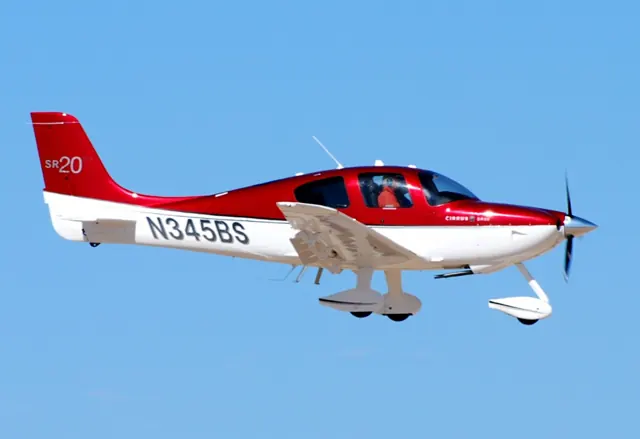
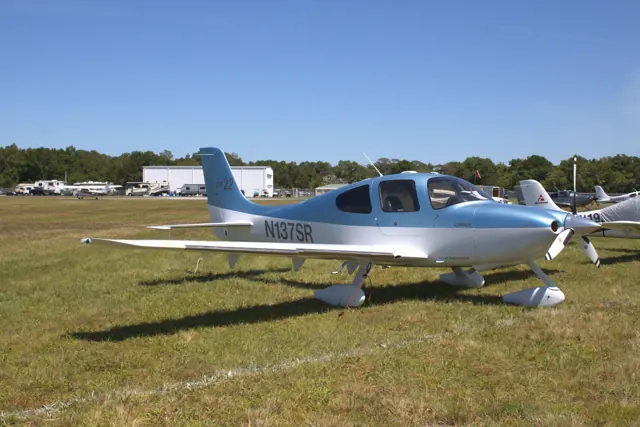
TorqueSim’s Entegra SR20 includes custom Avidyne R8 primary and multifunction displays, an S-TEC 55X autopilot and selectable GPS stacks. Its pages cover terrain, route progress, nearby airports, checklists and engine information. The developer explicitly lists X-Plane 12 support.
Gathered TorqueSim Entegra page · package revision not stated
Cirrus SR22 · TorqueSim · TorqueSim · X-Plane 12
Panel generation and simulator version matter
TorqueSim's SR22 history records changes to trim authority and autopilot/control behaviour. Version 2.1 moved the G1000 aircraft to the X-Plane 12.1 X1000 and excludes older simulator versions; 2.1.1 removed the Gizmo dependency. The developer documents G1000 and Entegra products separately, with their release histories.
SR22 G1000 v2.1.1 · v2.0.0, v2.0.2, v2.1.0-2.1.1
Cirrus Vision SF50 · Laminar Research · X-Plane 12
An ILS approach still requires manual speed control
The manual’s autopilot-assisted ILS follows the localiser and glideslope, while the pilot manages speed with the throttle and completes the flare and braking manually. This is the documented X-Plane procedure; later real-aircraft autothrottle and Safe Return accounts describe different equipment.
Archived Laminar SF50 manual · PDF p.35; no installed revision observed
Cirrus Vision SF50 · Laminar Research · X-Plane 12
The Vision Jet's documented configuration
Laminar's SF50 guide covers flight controls, autopilot and trim/configuration indications. It covers the bundled Vision Jet's equipment; later real-aircraft upgrades and other developers' packages have separate references.
Archived simulator manual; installed package revision not observed · PDF pp.7,46-47